
Quickstart
Deploy and inspect real cloud infrastructure by chatting with the emma copilot — in about five minutes.
emma AI Console lets you manage multi-cloud infrastructure by talking to a copilot: you describe what you want in plain language, emma turns it into a plan, you confirm it, and emma executes — while the diagram keeps a live picture of everything you're running.
In this quickstart you'll:
- Open the console and the copilot
- Ask the copilot what's already running
- Create a VM just by describing it
- See it on the diagram and export it as Terraform
Before you start you need an emma account and at least one connected cloud provider. If you haven't connected one yet, add it under Settings → Cloud Providers first — it takes a minute, then come back here.
1. Open the copilot
Sign in at iap.emma.ms. You'll land on the Overview. Open the copilot from the emma AI toggle in the top bar — it docks to the right of the screen and stays with you as you move between the diagram, deployments, and settings.
2. Ask what's running
Start with a question rather than a command — it's the fastest way to see the copilot and the diagram work together.
Try this — What's running in my account right now?
The copilot reads your connected providers and answers in the chat, and the diagram fills in with your current resources — VMs, networks, volumes — grouped by provider and region. Click any node to see its details.
3. Create a VM by describing it
Now make a change. Describe the outcome you want; you don't need to know the provider's exact flavor names or API.
Try this — Spin up a small Ubuntu VM in Frankfurt
emma turns this into a plan and shows you a preview — the exact resource it will create, where, and the estimated cost — before anything happens.
Creating, changing, or deleting infrastructure always waits for your Confirm. emma never executes a change on its own — read the preview, then confirm.
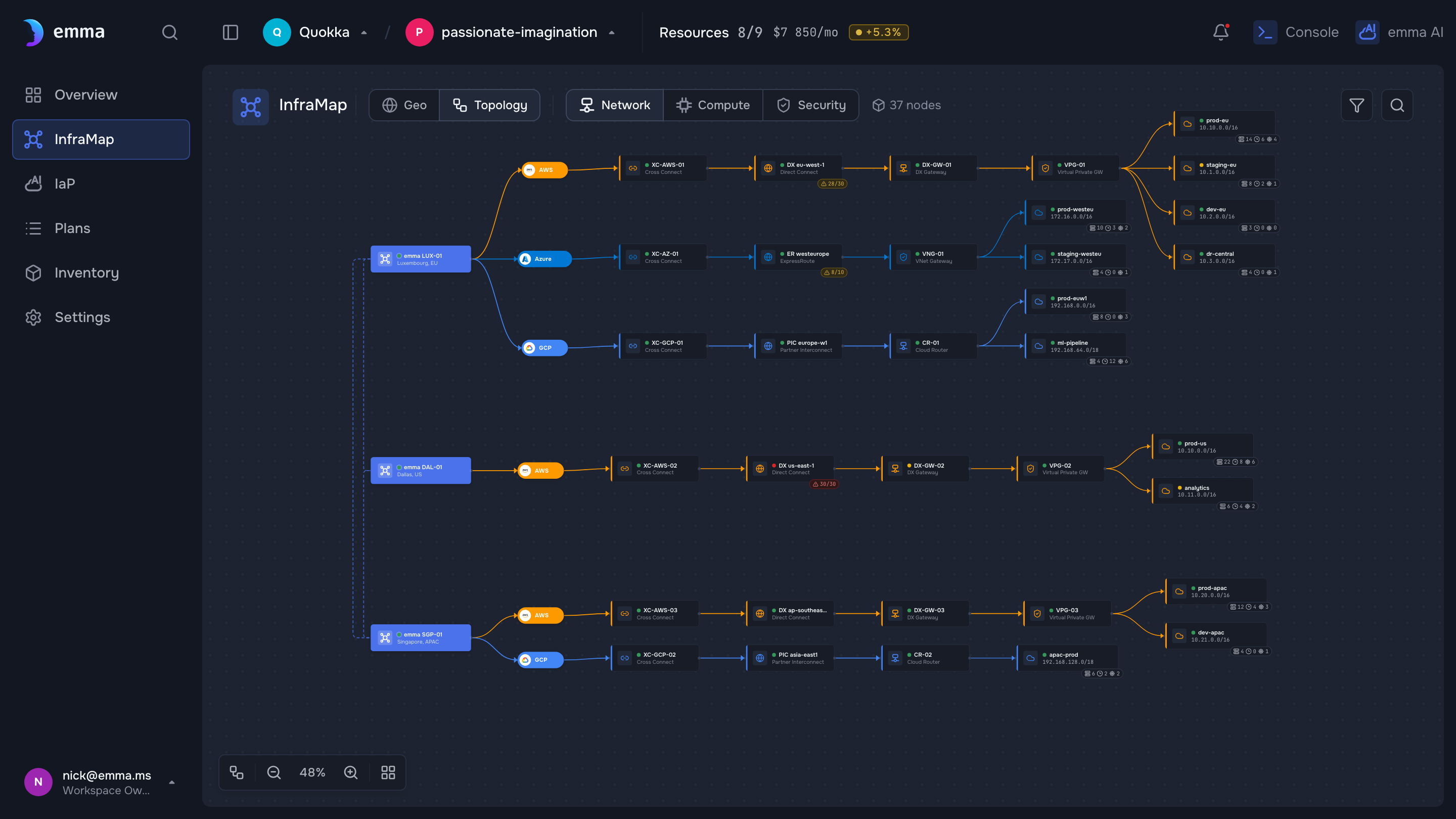
Illustrative — a design-system screen with demo data. Replace with a real (sanitized) capture before publishing.
4. Export it as Terraform
Everything you build by chatting is real infrastructure you can take with you — this is Infrastructure-as-Prompt.
Try this — Export this VM as Terraform
emma generates the .tf for the resource you just created. You can also export a whole plan as
Pulumi, YAML, or JSON — see Export to infrastructure-as-code.
What's next
- Infrastructure-as-Prompt — the plan → preview → execute → export model
- Deploy an app by chatting — go beyond a single VM
- Set up alerts — get notified in Telegram or Slack
- Connect the MCP server — drive emma from your own AI tools
Stuck? Ask the copilot How do I ...? right in the console, or reach the team from the help menu.
Last updated on 31 Jul 2026