
Infrastructure-as-Prompt
Describe what you want in plain language and emma turns it into a reviewable plan you can preview, execute, and export as code.
Infrastructure-as-Prompt (IaP) is the idea at the heart of emma AI Console. You express intent in plain language; emma turns that intent into a concrete plan, shows you exactly what it will do, executes it only when you confirm, and lets you export the result as infrastructure-as-code. Nothing is a black box — every step is something you can read and keep.
In a nutshell, every change moves through four stages:
- Generate — your prompt becomes a plan
- Preview — you see what will change, where, and what it costs
- Execute — emma applies the plan, but only after you confirm
- Export — take the result with you as Terraform, Pulumi, YAML, or JSON
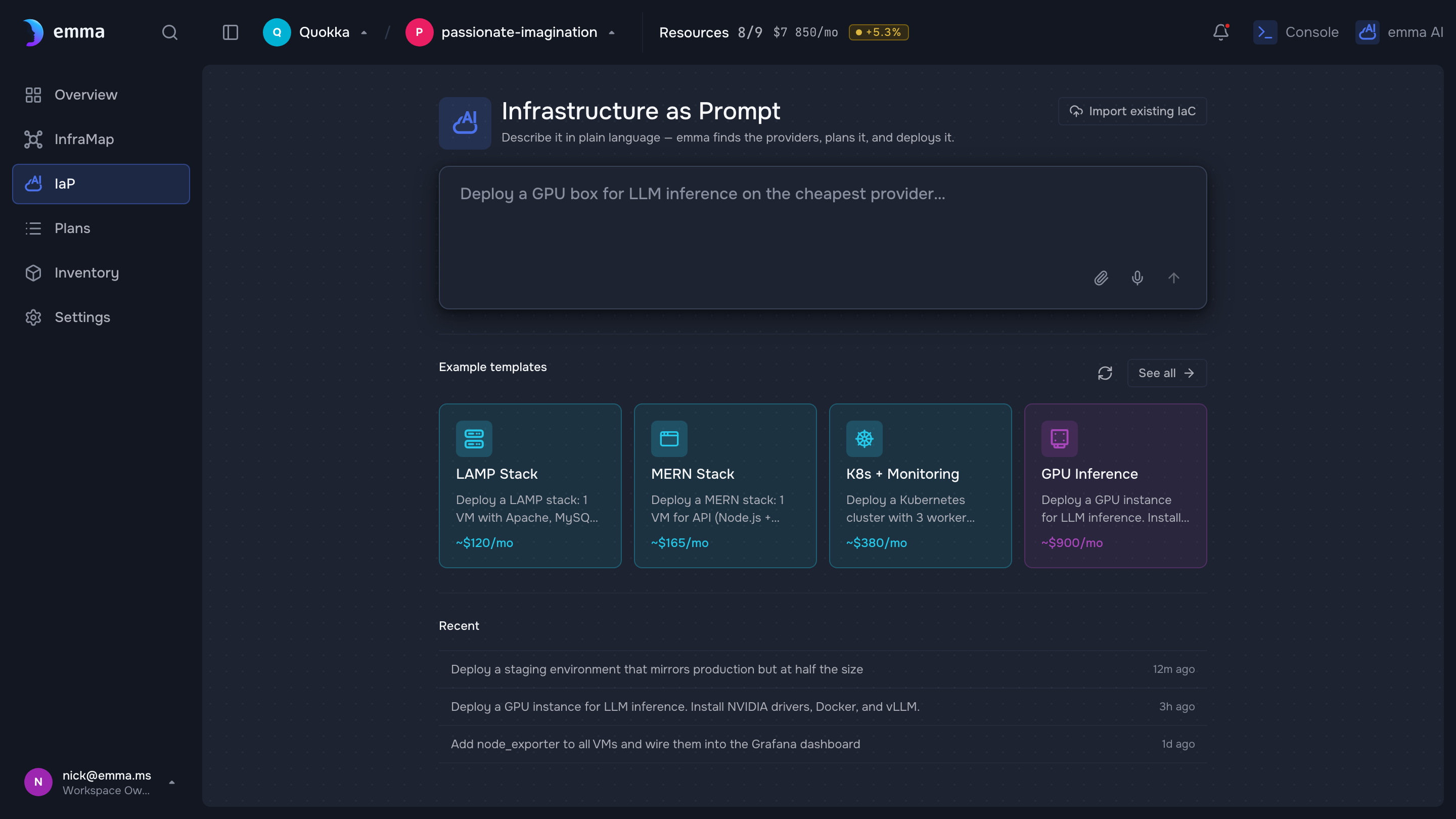
Illustrative — a design-system screen with demo data. Replace with a real (sanitized) capture before publishing.
Generate
You describe an outcome, and emma proposes a plan to reach it. You don't specify provider-specific flavor names, API fields, or resource IDs — emma resolves those from your connected accounts and your intent.
Try this — Give me a small Ubuntu VM in Frankfurt with a 50GB volume
Preview
Before anything happens, emma shows a preview of the plan: the resources it will create, change, or remove; the provider and region; and an estimated cost. This is where you catch surprises — a bigger instance than you meant, the wrong region — while they're still free to fix.
Execute
When the preview looks right, you confirm, and emma applies the plan — streaming progress as it goes. Because execution always waits for that confirmation, IaP is safe to explore: generating and previewing a plan never touches your infrastructure. See Safety & confirmations for how the gate works.
Export
Everything you build through emma is real, portable infrastructure. Ask emma to export a single resource or a whole plan and you get clean infrastructure-as-code — Terraform, Pulumi (TypeScript), YAML, or JSON — that you can commit to a repo or hand to another tool. There's no lock-in: the prompt is a faster way to author infrastructure, not a place your infrastructure gets trapped.
Try this — Export my Frankfurt VM as Terraform
See Export to infrastructure-as-code for the full walkthrough.
What's next
- Deploy an app by chatting — IaP in practice
- Safety & confirmations — how execution stays under your control
- The diagram — see the result of a plan on the canvas
Last updated on 17 Jul 2026