
Safety & confirmations
emma never changes your infrastructure on its own — every create, change, or delete waits for your explicit confirmation.
emma is built so that the copilot can be helpful without ever being dangerous. Reading your infrastructure is free and immediate; changing it is not. By default, any action that creates, modifies, or deletes a resource is turned into a plan that waits for your explicit confirmation before it runs — and even in the most permissive mode, deletes always ask.
In a nutshell:
- Read-only is free — questions and inspections run without a gate
- Changes are gated — by default, create / modify / delete waits for your confirm
- The gate is yours — the copilot cannot approve its own actions
- Permission modes let you tune how much you're asked (deletes always ask)
The confirmation gate
When you ask for a change, emma doesn't act immediately. It generates a plan, shows you a preview — what will change, where, and the cost — and then waits. Nothing touches your infrastructure until you press Confirm. If the preview isn't what you intended, you adjust or walk away, and no change has been made.
Confirmation is something only you can give: the gate requires a real human action, so the copilot can't talk its way past it or approve a change on your behalf.
Read vs. change
| Kind of request | Example | Gated? |
|---|---|---|
| Read-only | "What's running?", "Where am I overspending?" | No — runs immediately |
| Change | "Create a VM", "Resize this", "Delete that volume" | Yes — waits for Confirm |
This split is why exploring with emma is safe: you can ask anything and generate as many plans as you like without risk, because generating and previewing a plan never changes anything.
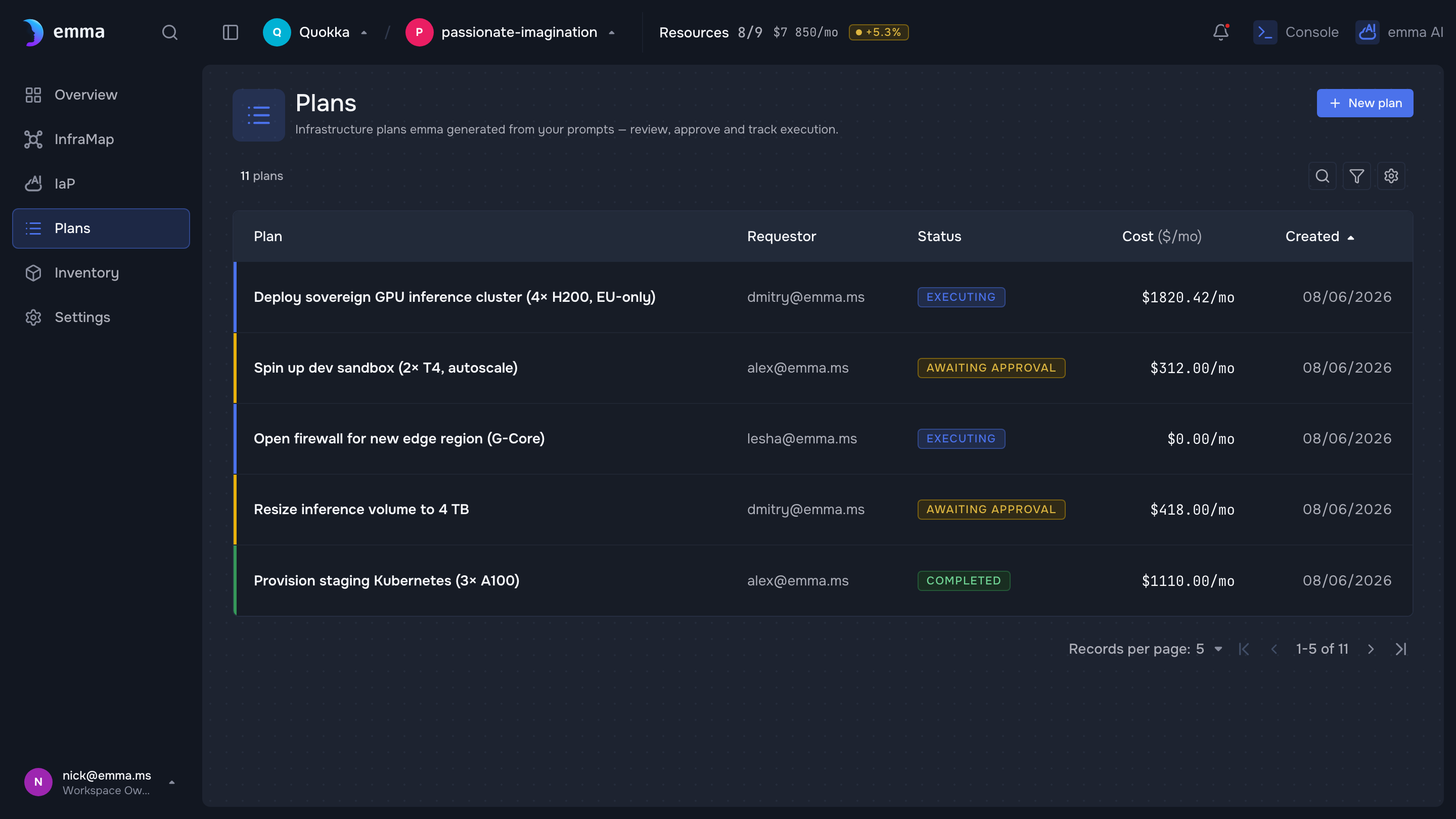
Illustrative — a design-system screen with demo data. Replace with a real (sanitized) capture before publishing.
Permission modes
You choose a permission mode in the chat composer:
- Standard — emma confirms every destructive action. This is the default, and the safest.
- Autonomous — emma auto-runs actions without stopping for each one, with one exception: delete operations always still ask.
Use Standard when you want to review each change before it happens. Use Autonomous to let emma work through a sequence of steps on its own — accepting that creates and modifications run without a prompt, and only deletes will pause for you.
In Autonomous mode, create and modify actions run without confirmation — only delete operations still stop to ask. Choose it only when you're comfortable with that trade-off; stay on Standard to approve every change.
What's next
- Infrastructure-as-Prompt — the plan → preview → execute flow the gate sits in
- The copilot — how the copilot proposes changes
- Quickstart — see a confirmation in context
Last updated on 17 Jul 2026