
Import existing infrastructure
Scan your connected cloud accounts, discover resources emma isn't managing yet, and bring them onto the diagram.
You don't have to start from scratch. emma can scan your connected cloud accounts, discover what's already running, and bring those resources under management — so the copilot and the diagram reflect your real environment, not just what you built through emma.
Before you start you need a connected cloud provider. If you haven't connected one, add it under Settings → Cloud Providers first.
1. Scan an account
Ask the copilot to look for resources it isn't already tracking.
Try this — Scan my AWS account for resources you're not managing yet
emma inventories the account and reports what it found — VMs, volumes, networks, security groups, and more — grouped so you can see the shape of the account.
2. Review what was found
just the resources in eu-central).Scanning is read-only — it inspects your account and builds a picture. It doesn't change anything.
3. Bring them onto the diagram
Once imported, the resources appear in your Inventory and on the diagram alongside anything you built through emma, with the connections between them inferred automatically. From there you can ask about them, optimize them, or export them like any other resource.
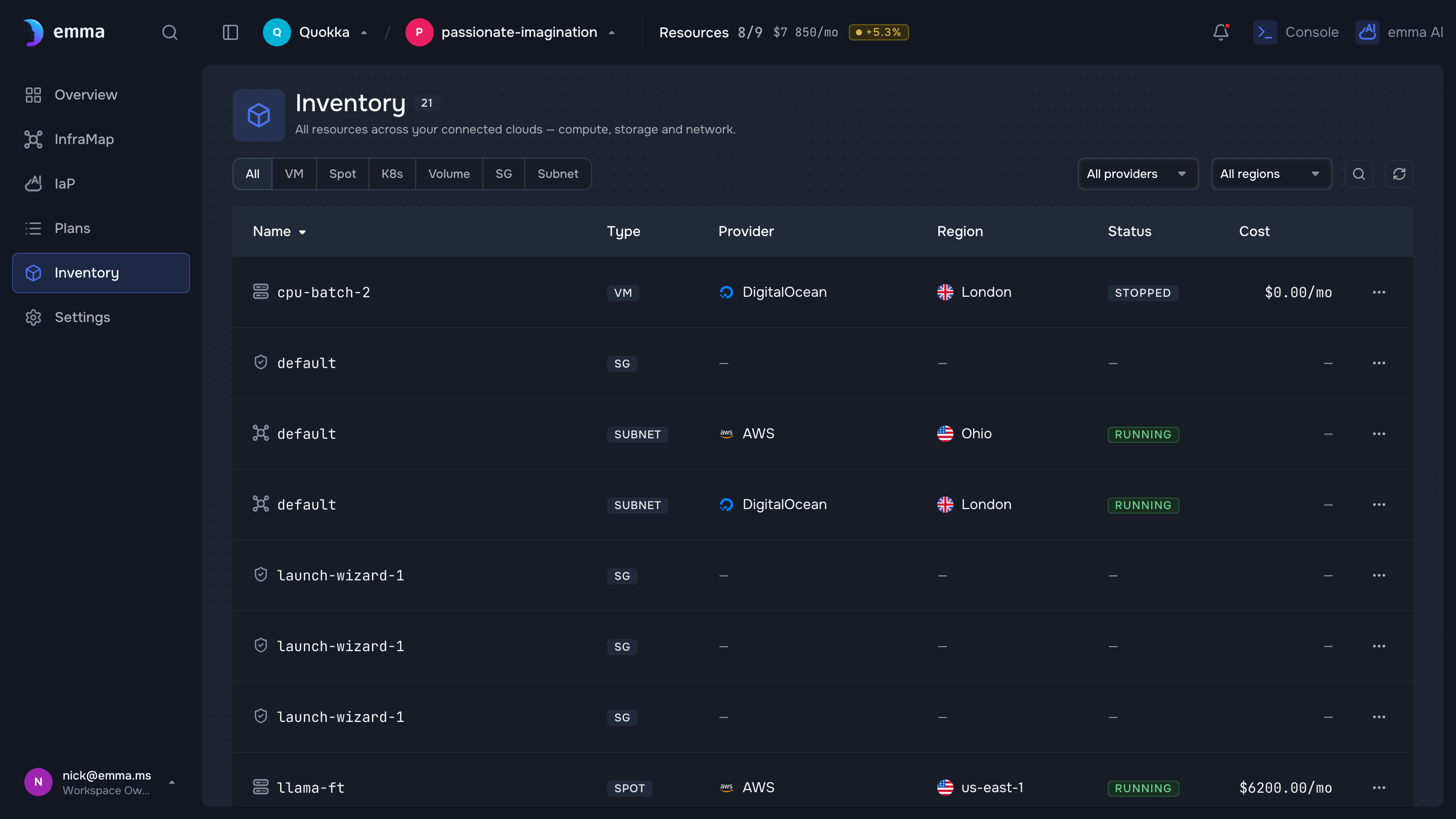
Illustrative — a design-system screen with demo data. Replace with a real (sanitized) capture before publishing.
Try this — Show me the security exposure of everything you just imported
What's next
- Optimize your cloud spend — find savings in what you imported
- Export to infrastructure-as-code — codify existing resources
- The diagram — explore the imported environment
Last updated on 17 Jul 2026