
View All Projects
Overview
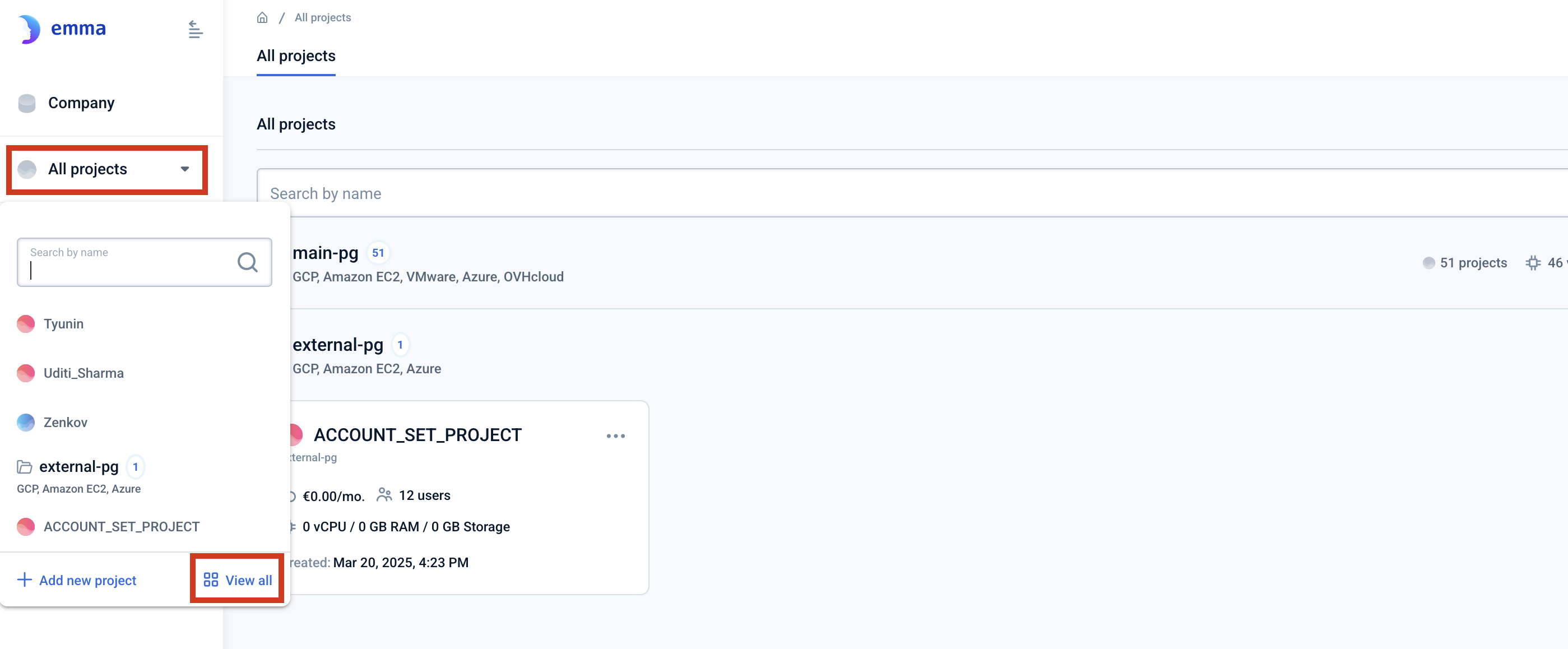
This page lists all the projects defined in the company. You can search the projects, and access their dashboards and settings.
Each project belongs to its own project group. A project group represents the user’s accounts in external clouds that are linked to emma platform.
You can also add a project from this page using the “Add project” button.
Where can I see all my projects? - FAQ
Page navigation — Click the down arrow next to “All projects” and click on “View all” which you can find at the bottom right of the pop-up.
Actions you can perform on this page
How do I add a new project? - FAQ
You can launch the project dashboard page by clicking on the ellipsis in the top right corner of the project box and then clicking “Dashboard“. You can launch the “Project settings” pages by clicking on the ellipsis in the top right corner of the project box.
Note Detailed help information is available on the project dashboard here:Project dashboard Detailed help information is available on the project settings here:Project Settings
Last updated on 1 Aug 2026