
Project Limits
Overview
Users can place limits on the project details like cost, Storage Usage by VM, vRAM Usage by VM, and Number of vCPUs.
This page also summarises the project’s current cost and resource usage.
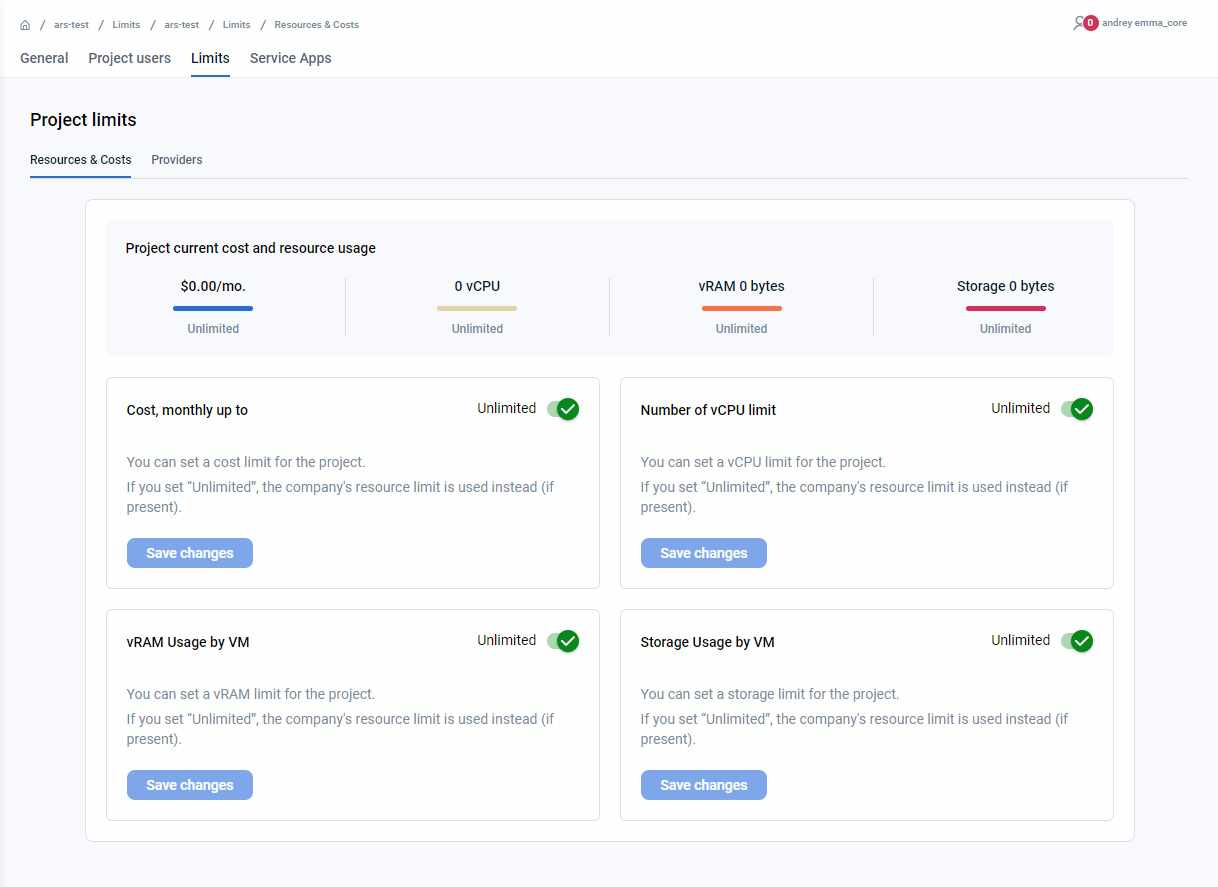
Table report on the page
You can look at the current cost and resource usage on this page. The first graphic on this page tells you about the following project parameters:
- Cost of all services per month
- Number of vCPUs used across your project services
- Memory (vRAM) used across your project services in GBs
- Storage used across your project services in GBs
The bar at the bottom of all the project parameters indicates “How much of the user set limit has already been utilized?”
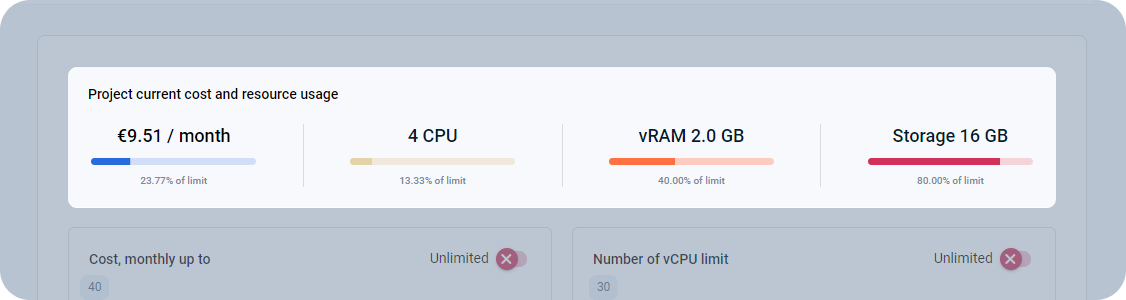
Actions you can perform on this page
How can I set limits on my project cost and resource usage? - FAQ
Page navigation — Click on “All Projects“ and navigate to your project. You will be, by default on the project “Summary“ link in the left sidebar. Click on the “Settings” link in the sidebar on the left. You will be navigated to the “General” tab by default. Click on the “Limits” tab.
By default, the project limits are set to UNLIMITED. You can change that using this page.
You can change the following project limits:
- Monthly project cost
- Number of vCPUs
- Memory (vRAM) usage by VM
- Storage usage by VM
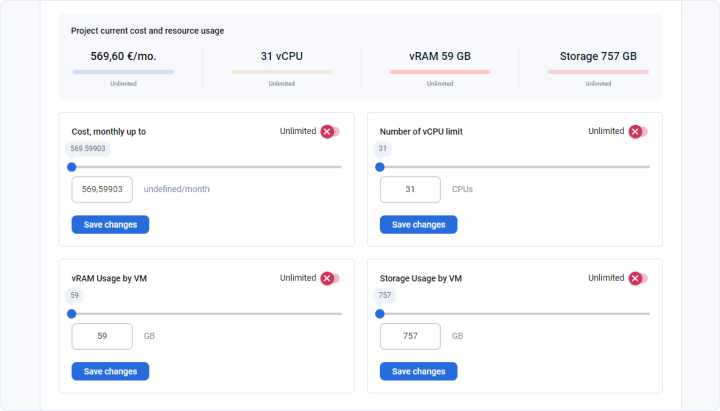
Watch the video about the limits
Last updated on 1 Aug 2026