
Project ServicesDirect connect network
Subnet / Routes tab
Overview
The Routes tab shows the routing rules applied to a subnet via its associated route table. Use it to understand how traffic is directed within and outside the subnet.
Content on this page
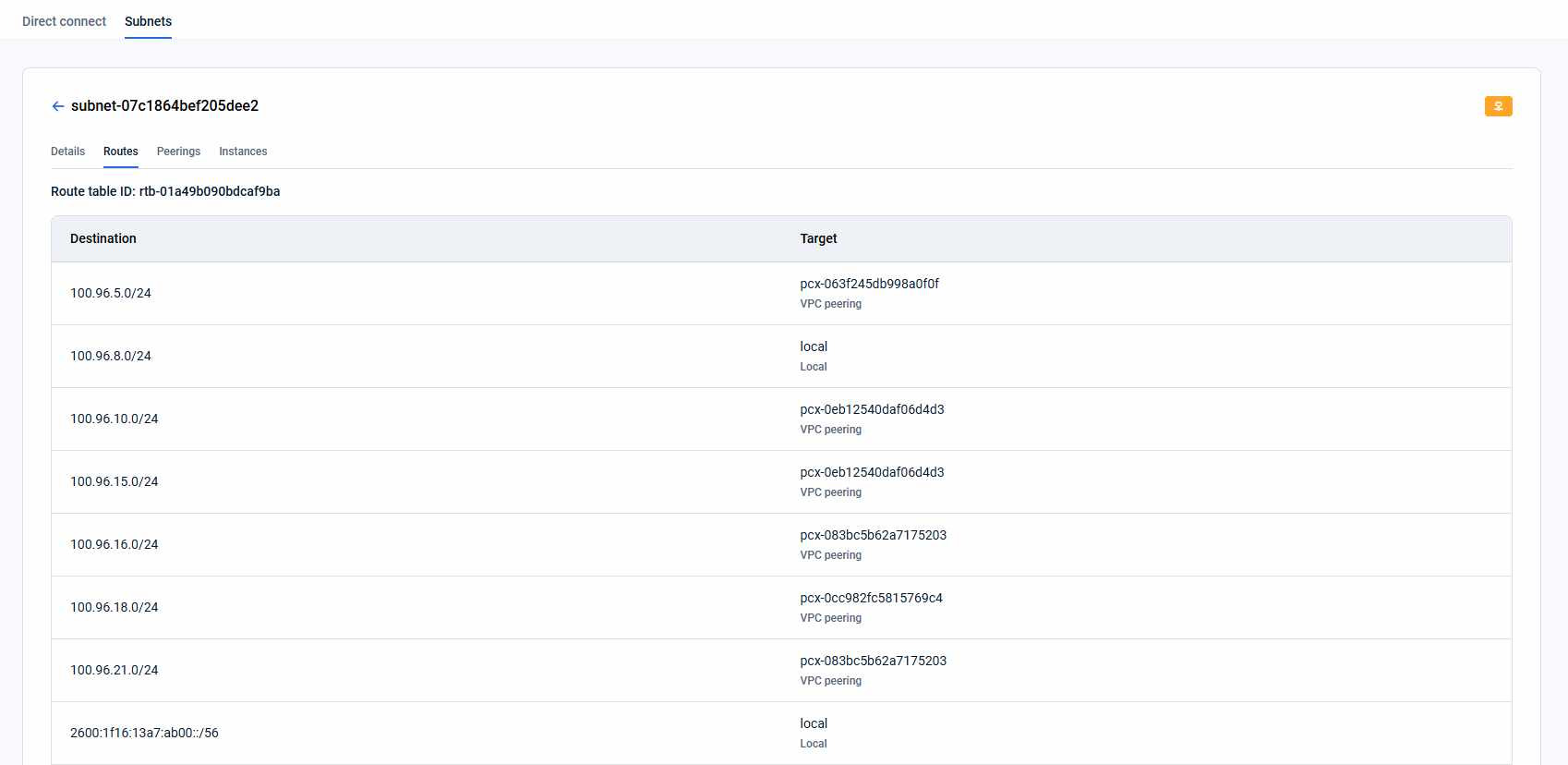
At the top of the tab, the Route table ID is displayed — the identifier of the route table controlling this subnet's traffic.
Below it, each route entry shows:
- Destination — target IP range for this route (IPv4 or IPv6 CIDR, e.g., `0.0.0.0/0`).
- Target — where matching traffic is sent: local network, internet gateway, VPC peering connection, transit gateway, etc.
How is this guide?
Last updated on 1 Aug 2026